Fly Safe
Build skills and increase your proficiency with our top-of-the line flight simulator

Build skills and increase your proficiency with our top-of-the line flight simulator
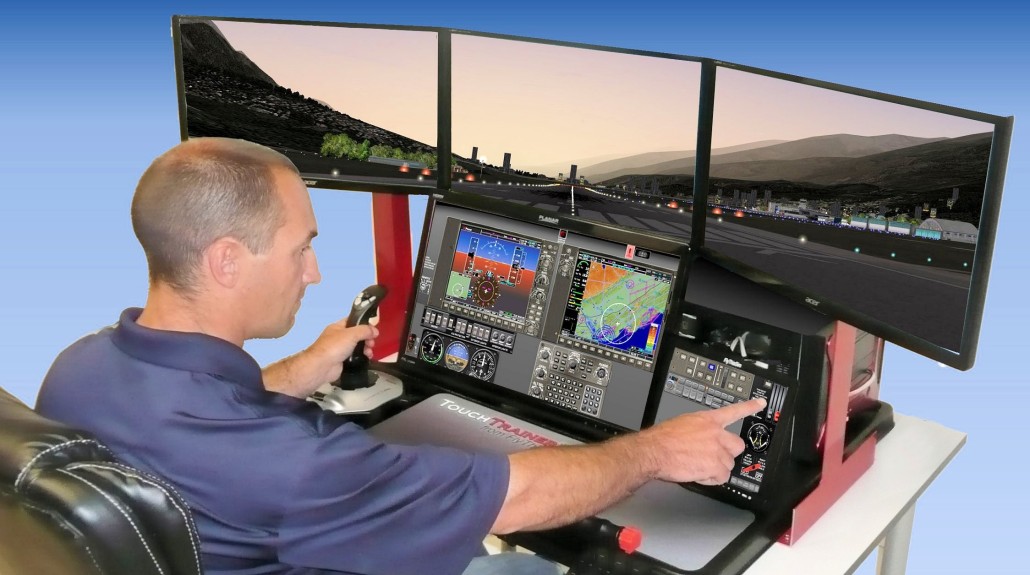
The FlyThisSim TouchTrainer’s interface lets you simulate the real “button-ology” required to control the avionics, leading to a more realistic and effective training experience.
Fully-detailed airplane-specific instrumentation and a 3-screen wrap-around visual display provide a realistic and immersive flying experience.
The simulator can be used at any time, even when you’re not able to fly the real aircraft.
You can fly when:

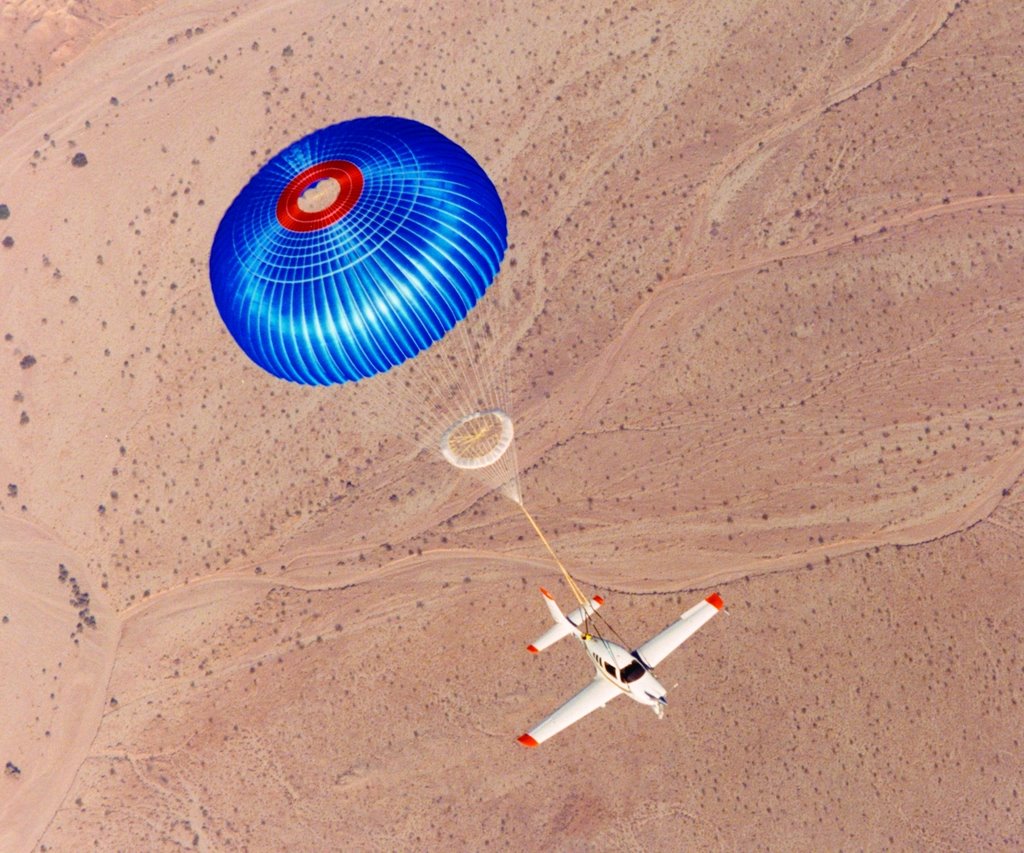
Practice scenarios you can’t easily perform in the airplane, including pulling the red handle to deploy the Cirrus Airframe Parachute System (CAPS).
You can also:
The TouchTrainer comes with built-in support for both club aircraft.
The Cessna yoke and power controls are easily swapped with a Cirrus side stick and throttle quadrant in a matter of minutes.
The Cessna configuration is fully equipped with analog gauges and a Garmin GNS-430.
The Cirrus configuration is specific to our airplane as well, with Avidyne instrumentation, dual 430’s and a DFC-90 autopilot.


The TouchTrainer meets the FAA’s requirements for a Basic Aviation Training Device (BATD).
Log up to 10 hours toward your instrument rating, and even log time for IFR currency!
A remote workstation lets your instructor monitor and control the flight in real time.
Using the touch-screen interface he or she can relocate the aircraft, change the time of day, adjust weather conditions, and even fail aircraft systems.

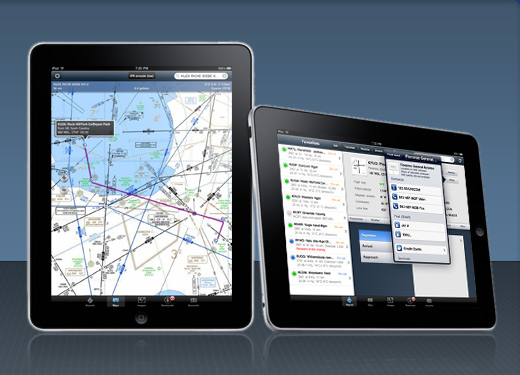
The TouchTrainer connects wirelessly to your iPad and sends GPS position information to ForeFlight, so you can use it just like you would during a real flight.
The simulator is located in the FBO building at Skyhaven Airport, which is accessed using the same code you use for the gate.

Is a club membership required?
Yes. At this time the simulator is being provided for use by active Skyhaven Flying Club members only.
How will I learn how to use the simulator?
For a knowledge base including an overview and how-to information, see seacoastsimulators.freshdesk.com.
Your instructor will show you how to turn on and shut down the system, how to select which airplane to fly, how to swap the airplane controls between the Cessna and Cirrus, and how to control your flight environment.
How is the simulator scheduled?
The simulator is scheduled via ScheduleMaster.
Is Instructor Time Included?
No. You are responsible for scheduling and paying your instructor.
Can I use my own flight instructor?
Yes, you may bring your own non-club flight instructor. A one-time $99 fee is required for an instructor orientation session, and a pilot who is a member of Skyhaven Flying Club must be present at all times with them in the simulator room.
Does an instructor need to be present to log time for IFR currency?
No. See FAR 61-51(g)(5), as well as the following interpretation of the regulations: